
How to Use Louplr's Style Generator to Lock In Your Visual Identity
About the author

Louplr Team
Louplr Team shares practical guidance from building AI workflows for prompts, artwork, mockups, and listings used in real print-on-demand production.
Creating one beautiful artwork is easy. Creating fifty that all look like they came from the same artist? That's the real challenge, and it's exactly what the Style Generator is designed to solve.
The Style Generator analyzes images (either your own artwork, reference photos, or anything that captures a visual mood) and extracts a reusable 'style profile' that you can apply to future generations.
What a Style Profile Contains
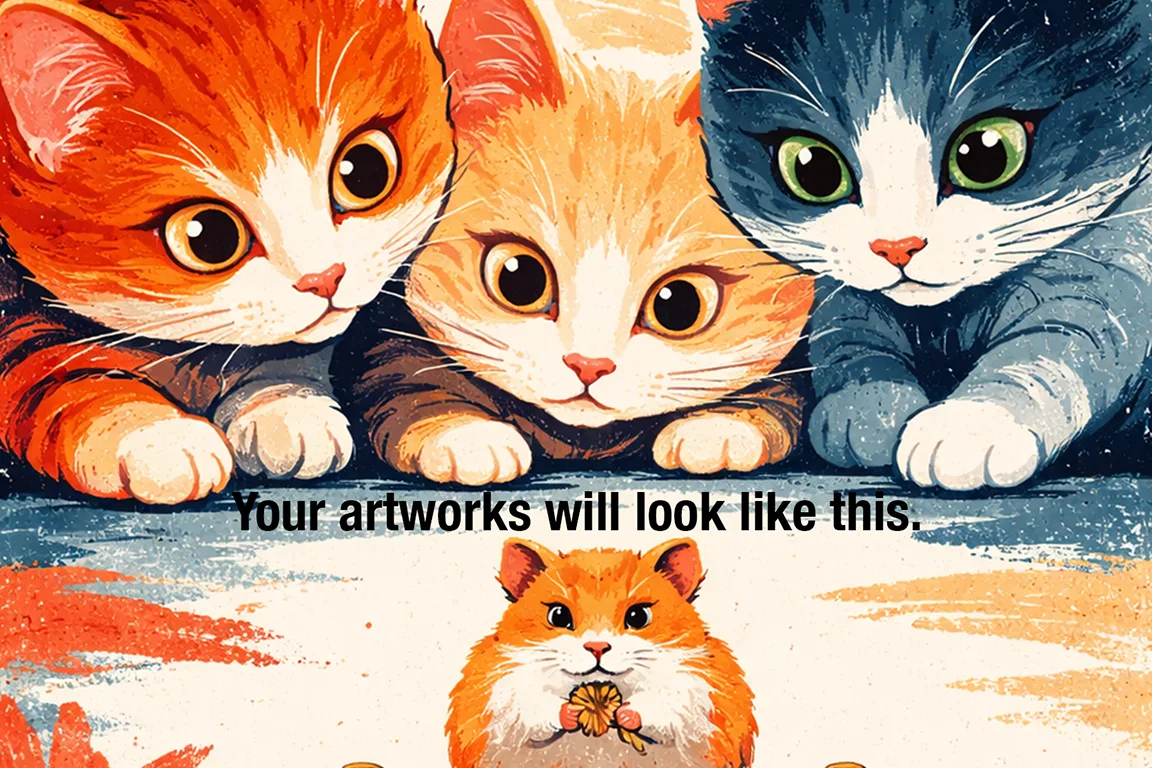
Think of a style profile as a recipe for a visual look. It captures things like color palette tendencies, brushwork or texture style, lighting approach, composition patterns, and overall mood or atmosphere. When applied during artwork generation, these parameters guide the AI to produce results that match the extracted style.
Creating a Style from a Reference Image
- Upload a reference image that represents the look you want. This can be your own artwork, a photo, or any image that captures the right vibe.
- The Style Generator analyzes the image and creates a style profile.
- Name your style something memorable (e.g, 'Moody Botanical' or 'Clean Minimalist Landscape').
- Save it to your style library for instant access in the Artwork Generator.
The quality of your reference image directly affects the quality of the extracted style. Use high-quality images with clear, consistent visual characteristics for best results.
Creating Manual Styles from Descriptions
You don't always need a reference image. The Style Generator also lets you describe a style in words and saves it as a reusable profile. This is useful when you have a specific vision but no reference image, or when you want to create something that doesn't exist yet.
The more specific your description, the more consistent the results. 'Soft watercolor with visible paper texture, muted earth tones, and botanical subjects' will produce tighter results than 'watercolor nature art.'
Building a Style Library
Most successful sellers work with 3–5 core styles. Having a focused library means you can quickly switch between different looks without losing consistency within each collection.
Organize your library by use case: one style for your main product line, one for seasonal collections, one for experimental work. Label them clearly so you can grab the right one without second-guessing.
Styles + Loops = Consistent Collections at Scale
The real power of styles shows up in Loops. Set a Loop to generate 50 artworks using the same style, and you get a cohesive collection that looks intentional and curated, not random. Buyers notice this immediately, and it translates directly to higher conversion rates and more multi-item orders.