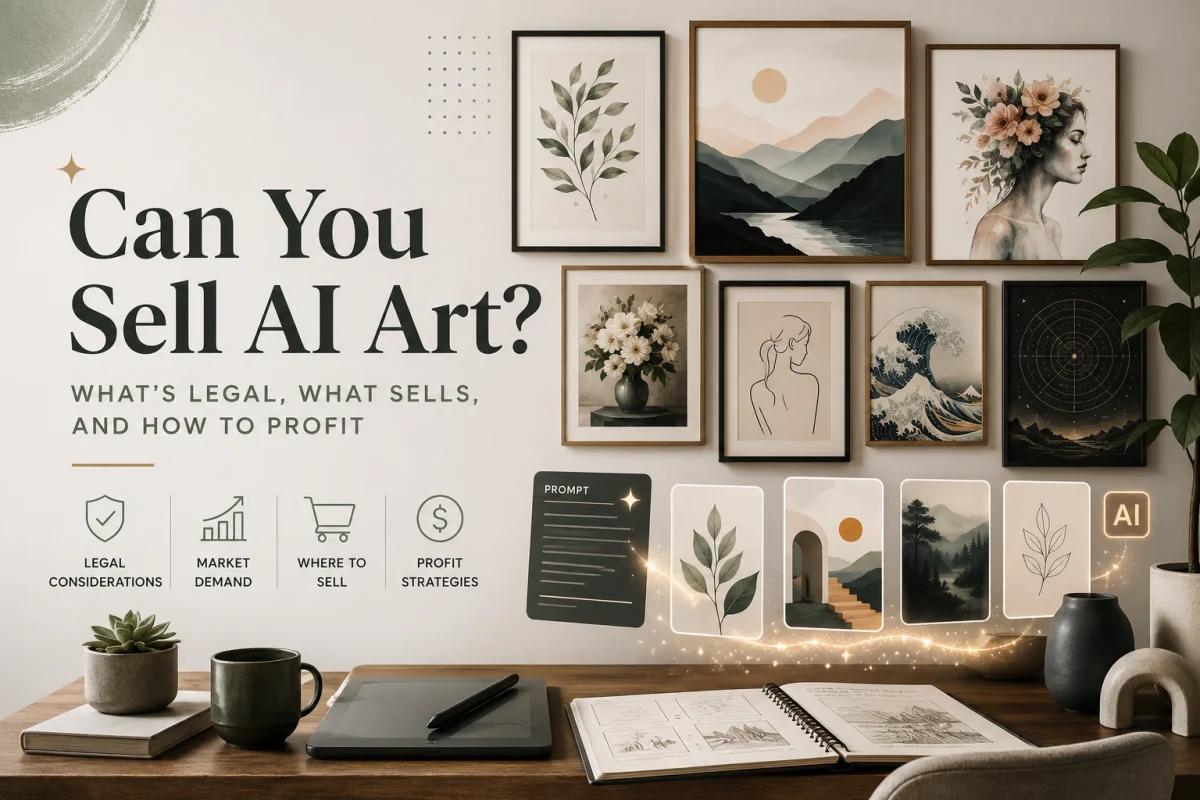

How to Use AI Art for Print on Demand Products That Buyers Actually Want
About the author

Louplr Team
Louplr Team shares practical guidance from building AI workflows for prompts, artwork, mockups, and listings used in real print-on-demand production.
AI art is now part of the print on demand workflow for many sellers, but good results still require taste, curation, and product awareness. There is a big difference between an interesting AI image and a piece of artwork that looks strong in a listing and holds up as a sellable product.
Why AI Art Works for Print on Demand
The POD business model rewards volume and variety. The more products you list, the more opportunities you have to catch a buyer's search. But creating original artwork by hand is slow, even skilled designers can only produce a few finished pieces per day.
AI changes the speed of the workflow more than the fundamentals. You can generate more variations faster, but volume only helps if the outputs fit a niche, print well, and make sense as products a buyer would actually choose.
The Commercial Use Question
Commercial use is one of the first questions sellers ask, and the answer is usually yes with an important caveat: rights depend on the provider, the model terms, and how you are using the output.
Avoid anything that leans on copyrighted characters, trademarked imagery, or obvious imitation of a specific living artist. The safest path is original subject matter, broad style direction, and regular checks of the tool's commercial-use terms.
Resolution: The Make-or-Break Factor
Here's where a lot of sellers trip up. AI image generators typically output at 1024×1024 or similar resolutions. That looks great on screen but falls apart when you print it large. A poster at 300 DPI needs to be at least 3600×5400 pixels for a standard 12×18 inch print.
The solution is AI upscaling. Modern upscalers can take a 1024px image and scale it to 4096px or higher without losing quality, in fact, they often add detail and sharpness. This two-step process (generate, then upscale) is the standard workflow for production-quality POD artwork.
Writing Prompts That Produce Sellable Art
The quality of your output depends almost entirely on the quality of your input. Vague prompts produce generic results. Specific, well-structured prompts produce artwork that looks intentional and professional.
A good prompt includes: the subject, the art style, the color palette, the mood, and the composition. Compare these two prompts:
- Weak: 'a cat painting'
- Strong: 'A Persian cat sitting on a velvet cushion, oil painting style with warm amber tones, dramatic side lighting, classical portrait composition, rich texture and visible brushstrokes'
The second prompt gives the AI enough context to produce something that looks like it belongs in a gallery, not a generic stock image.
Art Styles That Sell Best in POD
Not all AI art styles sell equally well. Based on marketplace trends, here are the styles that consistently perform:
- Minimalist line art: Clean, modern, works great on posters and apparel
- Vintage travel posters: Nostalgic, warm, always in demand for wall art
- Watercolor botanical: Timeless, appeals to a broad audience
- Retro/mid-century modern: Strong visual identity, great for kitchen and living room decor
- Abstract geometric: Versatile, matches modern interiors
- Photorealistic nature scenes: Mountains, oceans, forests, always popular
Creating Consistent Collections
One-off designs can sell, but collections sell better. Buyers who like one piece often want a matching set for a gallery wall. This is where having a saved style template pays off, you can generate multiple artworks with different subjects but the same visual language.
For example, a 'Vintage European Cities' collection might include Paris, Rome, Barcelona, and London, all rendered in the same retro poster style with the same warm color palette. Listing them individually and as a bundle gives you multiple chances at a sale.
The Complete AI-to-Product Workflow
- Start with a keyword or niche idea (e.g, 'botanical kitchen prints')
- Generate multiple art prompts from that keyword
- Create artwork using your best prompts
- Upscale the artwork to print-ready resolution (300 DPI minimum)
- Generate product mockups showing the artwork in context
- Write SEO-optimized listing copy (title, description, tags)
- Upload to your POD platform and publish
The process gets much faster once you have a repeatable system. The biggest gains come from prompt reuse, faster curation, and better mockup workflows, not from publishing every output you generate.
Common Mistakes with AI Art for POD
- Skipping the upscale step and uploading low-res images
- Using generic prompts that produce generic-looking art
- Not checking for AI artifacts (extra fingers, weird text, distorted objects)
- Ignoring marketplace trends and creating art nobody is searching for
- Over-editing in Photoshop until the artwork loses its character
Frequently Asked Questions
- What resolution do I need for print on demand artwork?
- For standard print quality at 300 DPI: a 12x18 inch poster needs at least 3600x5400 pixels. AI generators typically output 1024x1024, so upscaling is essential. Use AI upscalers to reach the required resolution without quality loss.
- Which AI art style sells best for print on demand?
- Styles that are visually clear and easy to merchandise usually do best, including minimalist line art, botanical pieces, vintage poster styles, and clean abstract work. The right choice depends on the niche, room context, and how consistent the collection feels.
- Do I need to disclose that my artwork was made with AI?
- That depends on the marketplace rules you sell under and the brand approach you want to take. Some sellers disclose it directly, others describe the work more generally as digital artwork. Check platform policy first and stay consistent.