How to Create Consistent AI Mockup Scenes Across an Etsy Collection
About the author

Louplr Team
Louplr Team shares practical guidance from building AI workflows for prompts, artwork, mockups, and listings used in real print-on-demand production.
Consistent AI mockup scenes make an Etsy collection feel like it belongs in one shop. That does not mean putting every product in the same room. It means repeating a few visual choices, such as lighting, camera distance, framing, or color mood, while letting each product stay easy to understand.
Mockup consistency is different from making the artwork itself consistent. The designs can vary while the product images share a clear presentation style. This is useful when a collection has several subjects, products, or listings that should look related without becoming copies of one another.
Choose What Should Stay the Same
Before generating images, decide which parts of the scene are part of your shop's visual language. A short set of rules is easier to repeat than a long style brief.
- Lighting: for example, soft daylight rather than a different dramatic light in every scene.
- Camera distance: keep products at a similar visual scale when the items are comparable.
- Framing: decide whether frames, garment edges, or other product boundaries should be fully visible.
- Color mood: choose a restrained set of wall, fabric, or surface colors that does not compete with the designs.
- Background detail: set a limit on props so the product remains the focal point.
These are guide rails, not rigid rules. A poster and a phone case do not need the same camera angle. Keep the presentation recognizable, but adjust the scene to the product and the question a buyer needs answered.
Create a Small Scene System Instead of Repeating One Image
A collection usually needs a few complementary scene roles: a clear product view, a context view, and a closer view if the design or material has details worth seeing. Keep the visual language similar across those roles, but give each image a different purpose.
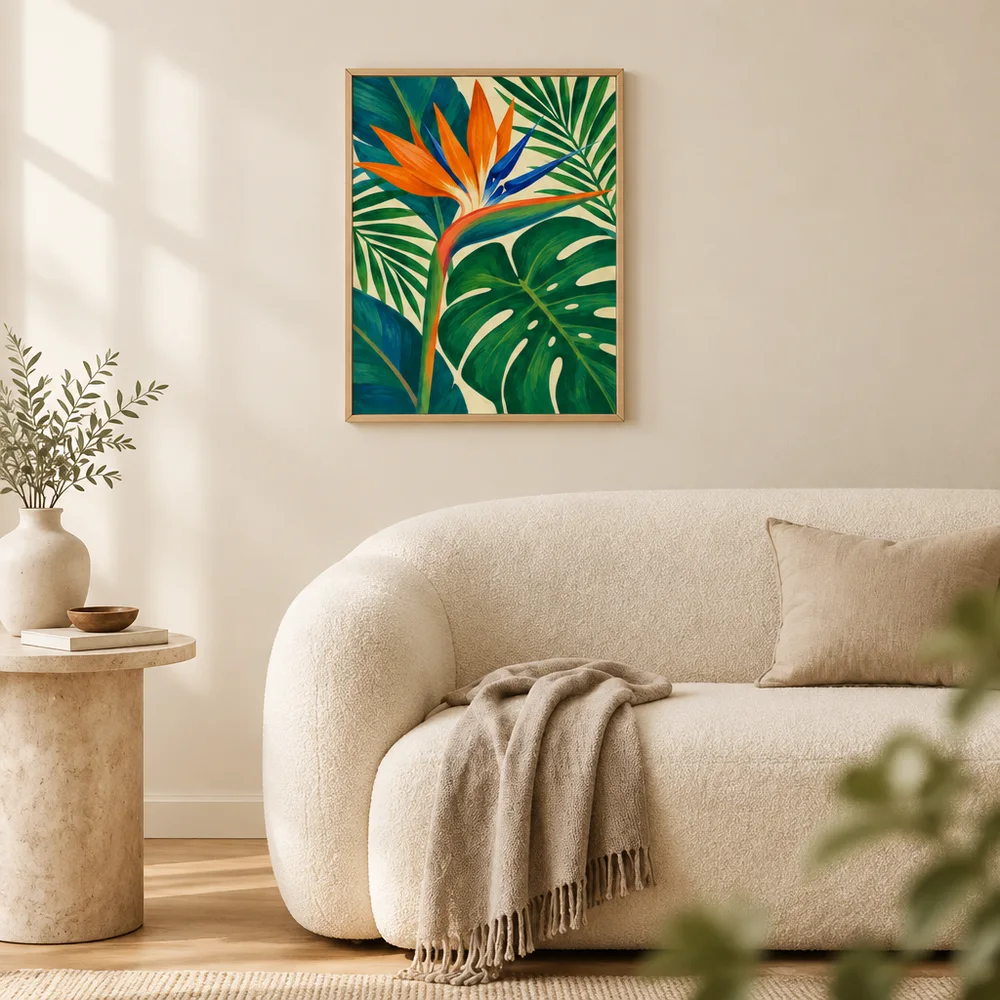
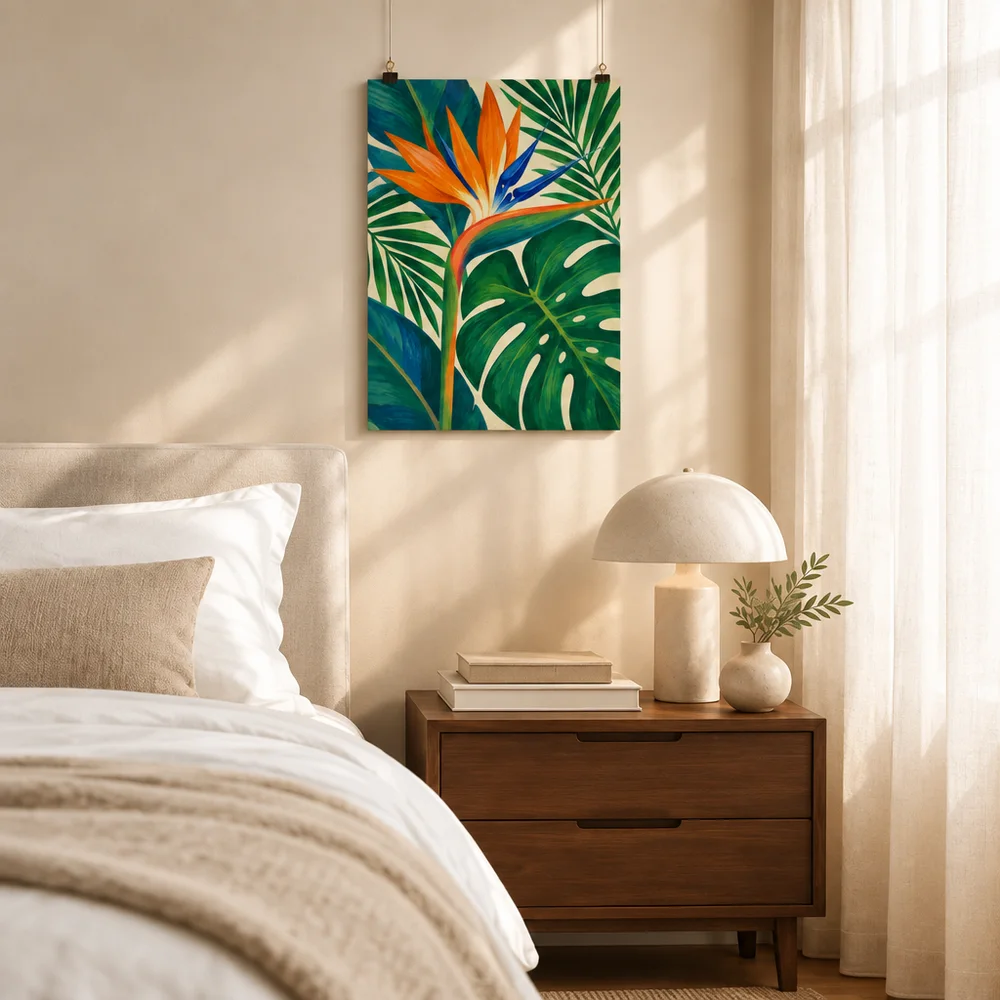
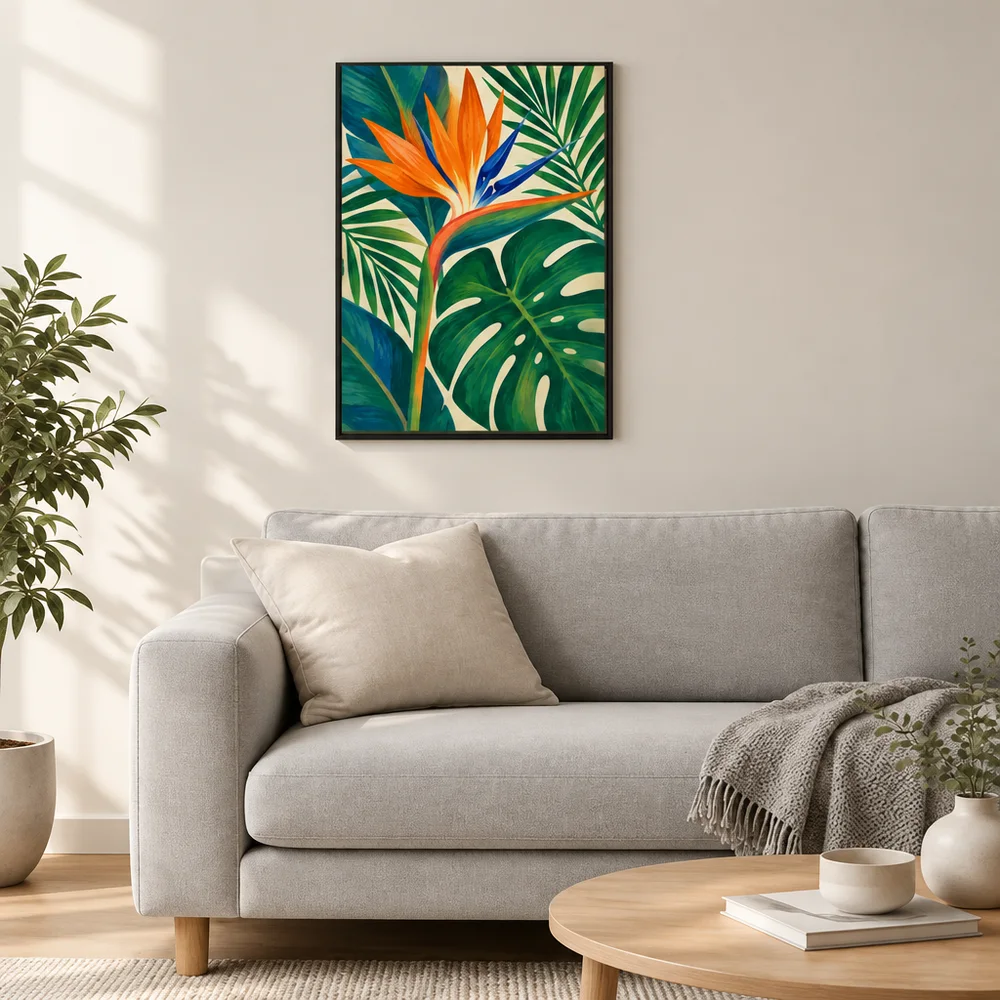
For a wall art collection, you might use one calm palette and similar natural lighting while changing the room or furniture slightly. For apparel, keep the garment and print placement accurate first, then use a related background or photography mood. The same set of room prompts should not be applied blindly to products with different shapes and uses.
Vary One Scene Element at a Time
When comparing scene ideas, keep the artwork and product fixed while changing one element, such as the room, wall color, or camera distance. If you change the product, lighting, art crop, and background all at once, it becomes hard to tell which choice made the image work.
Avoid exact duplicates across the collection. Reusing the same mockup can make a product grid feel uniform, but it can also make each listing harder to distinguish. A better balance is a common visual foundation with enough variation to show the subject and use case of each product.
Use a Mockup Pack as a Starting Point
A saved mockup pack can help carry the same scene direction across several designs. Keep the shared parts of the prompt stable, then review whether each scene still fits the individual product. A pack should save repeated setup work, not remove the judgment needed to choose a relevant image.
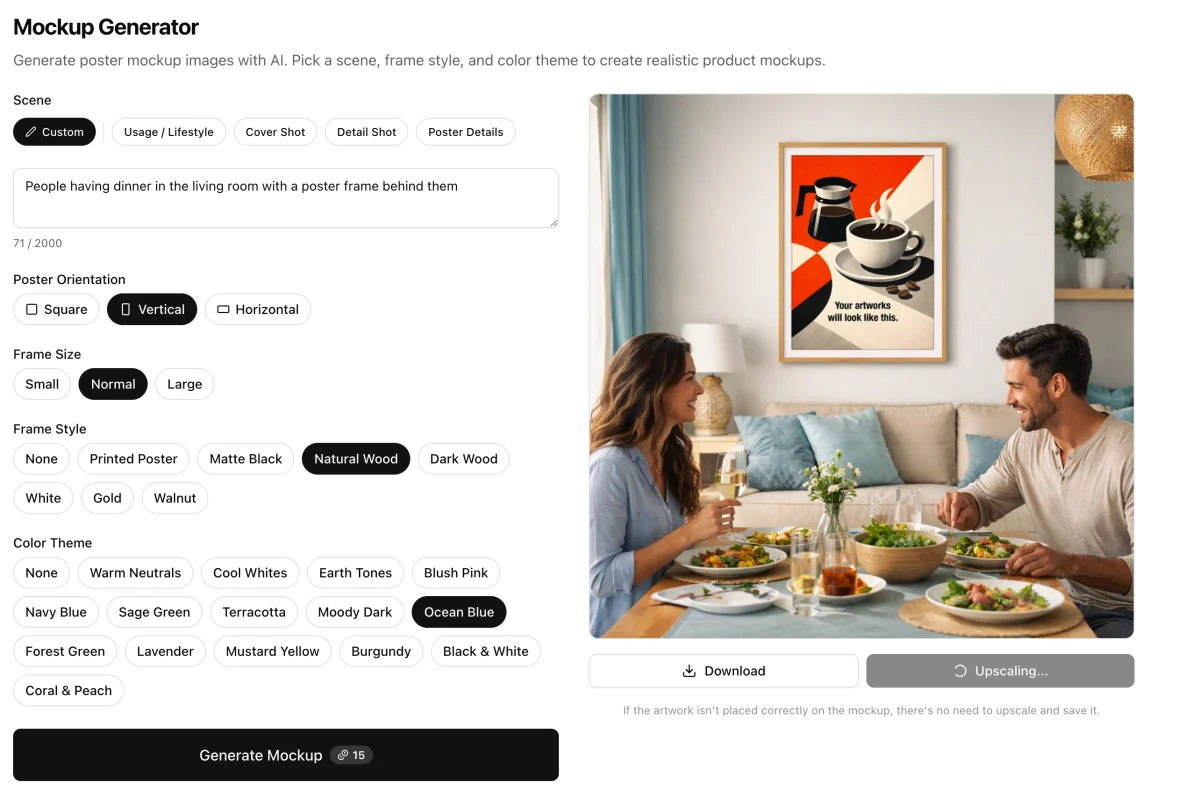
Louplr's Mockup Generator can create poster scenes with choices for the scene, frame style, and color theme. Mockup Studio also supports saved product mockup packs and prompt-driven product scenes. Use the workflow that matches the item, then compare the results as a group before publishing.
Explore Louplr's AI Mockup Generator
For a step-by-step process for making a reusable pack, see the guide to building a mockup pack for a product collection. For the broader image sequence, use the guide to planning an Etsy listing image set.
Learn how to build a reusable mockup pack
Plan a complete Etsy image set from one design
Review the Collection as a Grid
Look at the generated images together at thumbnail size, the way shoppers may see them while browsing your shop. Check whether the collection feels related, whether any image overwhelms the others, and whether each product is still easy to tell apart.
- The main product is clear in every image.
- Lighting and color choices feel related without making the products blend together.
- The same product variant and design details are shown accurately.
- Room props or styling do not hide the item or imply something extra is included.
- Each image adds a new view instead of repeating the same scene.
Consistent Etsy Mockup Scenes FAQ
- How can I make Etsy mockups look consistent across a collection?
- Choose a few repeatable scene rules, such as lighting, camera distance, framing, and background palette. Keep those stable while varying the room or composition enough to fit each product.
- Should every product use the same mockup background?
- No. A shared visual direction can help a shop feel cohesive, but each product still needs a scene that shows its shape, use, and important details.
- Are mockup scene consistency and AI art style consistency the same thing?
- No. Scene consistency refers to how product images are presented, such as lighting and framing. Art style consistency refers to the visual treatment of the designs themselves.
- Can a saved mockup pack keep every generated image identical?
- A pack reuses scene prompts, but generated outputs can still vary. Review each image for changes to the product, artwork, framing, and other important details.
- How do I avoid making my Etsy shop look repetitive?
- Keep a small set of visual rules, but vary the scene to fit each product. Give each image a distinct purpose and remove near-duplicates that do not add new information.
Create a visual direction you can reuse across product scenes
Explore the Mockup GeneratorKeep the scene language consistent and check every product image on its own.