Etsy Listing Photo Order for Print-on-Demand: What to Show in Each Image
About the author

Louplr Team
Louplr Team shares practical guidance from building AI workflows for prompts, artwork, mockups, and listings used in real print-on-demand production.
Etsy listing photo order for print-on-demand products works best when each image answers a different buyer question. The first view should make the item and design easy to recognize. Later views can explain the product, show context, clarify size or variants, and reveal details that are hard to see in a thumbnail.
There is no single sequence that fits every POD product. A framed poster needs different views from a T-shirt, mug, desk mat, or phone case. Think of the gallery as a short conversation with a shopper: show what it is, help them imagine using it, then resolve the practical questions before they leave the listing.
A Buyer-Centered Order for Listing Images
- Lead with a clear image of the product and design. Make sure the item remains recognizable at thumbnail size.
- Show a clean product view that reveals the whole design, shape, and important edges.
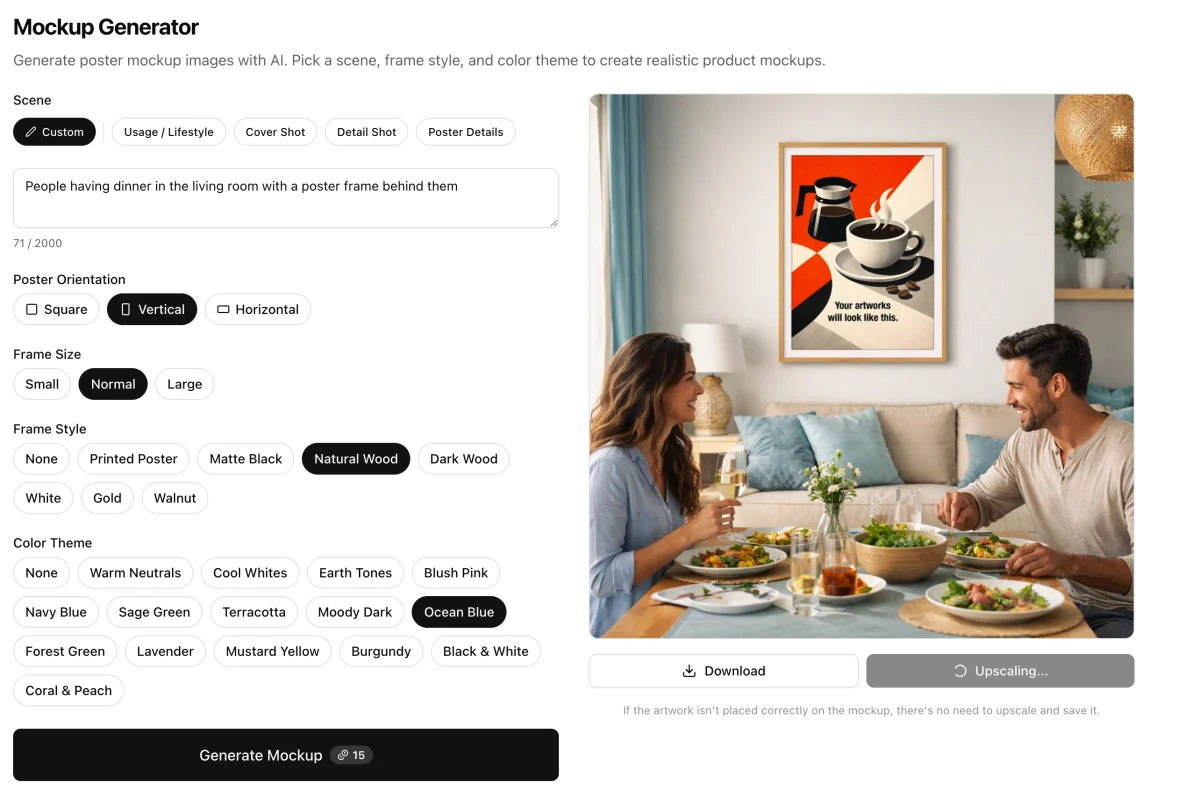
- Add a lifestyle or room mockup when context helps the buyer picture the product in use.
- Use a detail view for print placement, artwork details, or a verified material feature.
- Explain available sizes, colors, or variants using accurate product information.
- Add a back, side, packaging, or included-items view only when it answers a real question.
This is a flexible order, not a promise that more images automatically improve a listing. If the product is simple, a shorter sequence may be clearer. If it has several variants or important physical details, reserve images for those specifics instead of repeating similar room scenes.
Adjust the Order to the Product
Wall art and framed posters
A room scene can make wall art feel at home, but it should not be the only view. Pair it with a clear image of the complete artwork, then show actual size information separately. If a frame is only part of the mockup and not included with the product, make that distinction clear.
Apparel
Show the garment and print placement early. A lifestyle view can add useful context, but use provider images or accurate mockups for garment color, cut, and fit. Keep size charts and measurements tied to the actual product rather than expecting shoppers to estimate from a model.
Mugs, phone cases, and accessories
Make the product shape, print area, and relevant edges visible. For a mug, show the handle and enough of the design to understand its placement. For a phone case, show the camera opening and the device model or compatibility details in the listing. Use a lifestyle setting only when it does not hide the item.
Desk mats, pillows, and home products
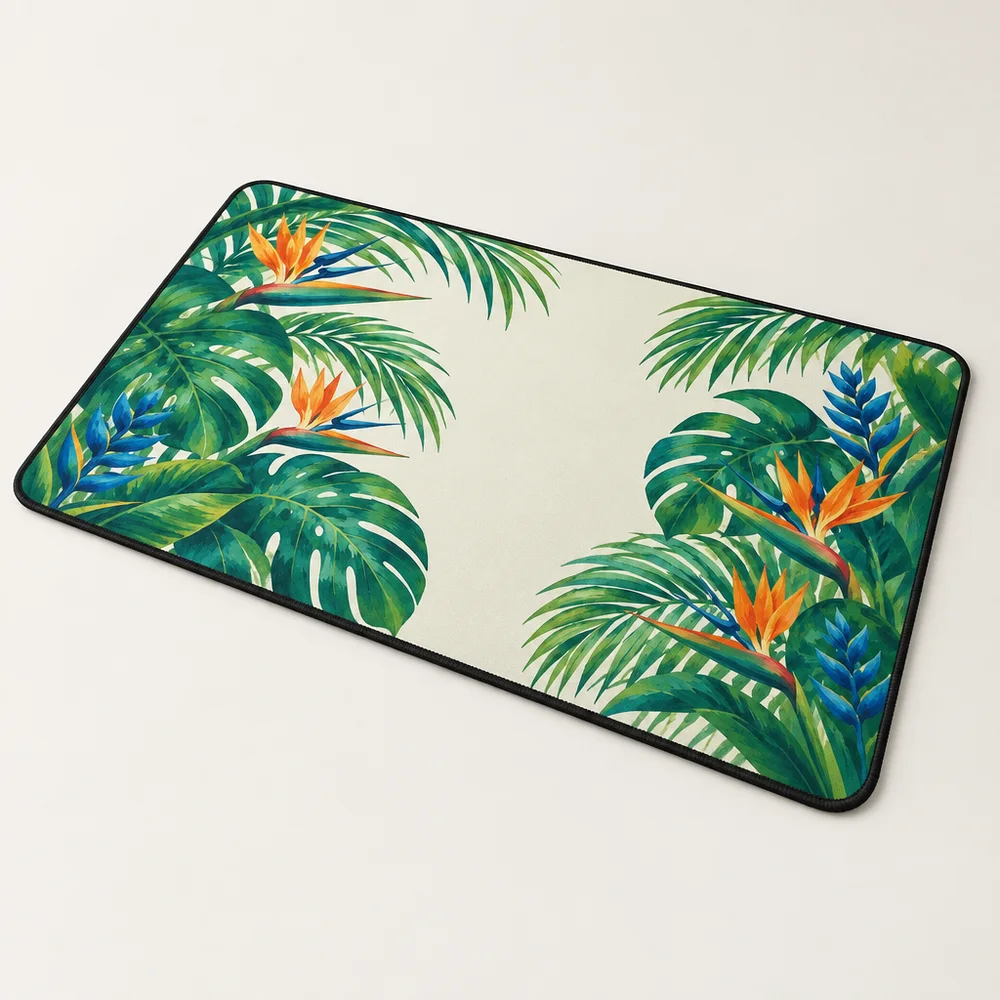
Start with a view that shows the product boundary and design coverage. A styled desk or room can help set context, but keep the full shape visible. If the print wraps, repeats, or appears on multiple sides, show that in a separate view only when it matches the actual product.
Build the Sequence Around Information, Not Image Count
Before choosing the final order, list the three questions most likely to matter for that product. For example: What is the design? How large is the item? Which color variant will I receive? Put the clearest answer early, then use later views to fill in the remaining details.
If two images show the same product from almost the same angle, keep the stronger one. Use the extra space for a clean crop, size information, variant comparison, or a view that reveals the back or side. A practical gallery is easier to scan than a long row of images that all make the same point.
Use Mockups Without Overstating the Product
Mockups help shoppers imagine a product, but generated scenes can change colors, proportions, surface detail, and even small parts of the design. Compare each image with the source artwork and the actual product variant. Use real product photos or accurate templates when buyers need to judge a specific material, fit, or finish.
Louplr's Mockup Generator creates poster scenes, while Mockup Placer applies artwork to an existing mockup image. Choose the workflow that suits the product, then put the most informative and accurate images first.
Explore Louplr's AI Mockup Generator
Explore Louplr's Mockup Placer
For a deeper guide to creating a complete image set from one design, see the Mockup Studio article. For apparel-specific checks, read the guide to AI mockups for apparel.
Plan a complete Etsy image set from one design
Review apparel mockups for fit, color, and placement
Photo Order Mistakes to Avoid
- Starting with a busy scene where shoppers cannot tell what the product is.
- Putting several near-identical room mockups at the front of the gallery.
- Showing size or color options that do not match the selected product variants.
- Using a generated image to imply a texture, fit, or included accessory that is not verified.
- Leaving buyers to guess whether the item is physical or a digital download.
Etsy Listing Photo Order for POD FAQ
- What should be the first photo in a print-on-demand Etsy listing?
- Choose a clear image that makes the product and design easy to recognize at a small size. A lifestyle scene can work when the product remains obvious and accurately represented.
- Should every listing photo be a mockup?
- No. Mix mockups with clean product views, detail crops, and accurate size or variant information when those views answer different buyer questions.
- Does Etsy reward a particular photo order?
- Do not assume a fixed image order guarantees ranking. Use the sequence to make the product clear and help shoppers evaluate it, and follow Etsy's current listing-image guidance.
- How many listing images should a POD product have?
- Use the available image space for distinct, useful views rather than aiming for a fixed count. The right number depends on the product, variants, and details a shopper needs to see.
- Where should size information go in an Etsy image sequence?
- Include size information early enough that shoppers can find it, and use accurate measurements from the product provider. A room scene can suggest context but should not replace dimensions.
Create product views that make your listing easier to understand
Explore the Mockup GeneratorChoose scenes that support the product, then check every image before publishing.